How to Sell Canva Templates: Step-by-Step Guide for Ets
Learn whether you can sell Canva templates, how to use free vs Pro elements, and exactly how to sell Canva templates on Etsy, Shopify, Amazon, Gumroad, Teachers Pay Teachers, Pinterest, and more. Step-by-step instructions, licensing tips, pricing strategies, and best-selling template ideas.
Introduction — Can You Sell Canva Templates?
If you’ve ever asked, “Can you sell Canva templates?” the short answer is yes — but there are important rules, smart practices, and platform differences to understand. In this long-form guide you’ll find clear, SEO-friendly answers to common questions like “Can you sell Canva templates on Etsy?”, “Can you sell Canva templates with Pro elements?”, “How to sell Canva templates on Shopify?”, and “How to sell Canva templates for free?”
This guide is written for creators who want an actionable system: idea ➜ design ➜ package ➜ list ➜ promote ➜ sell. Each section includes step-by-step instructions and real-world tips so you can launch fast and scale sustainably.
Table of Contents
Quick overview: What platforms accept Canva templates?
You might be asking specific platform questions like:
- Can you sell Canva templates on Etsy? — Yes.
- Can you sell Canva templates on Amazon? — Not as direct editable files; best through printables on Amazon KDP.
- Can I sell Canva templates on Shopify? — Yes, full control of your store.
- Can you sell Canva templates on Teachers Pay Teachers (TPT)? — Yes, for educational materials.
- Can I sell Canva templates on Gumroad? — Yes, ideal for direct downloads.
- Can I sell Canva templates on Pinterest? — You don’t sell on Pinterest, but Pinterest is excellent for driving traffic to your listings.
- Can you sell Canva templates on Zazzle or Shutterstock or eBay? — Potentially, depending on platform rules and whether your files meet original-content requirements.
Throughout this post we’ll unpack how to sell on each of these platforms and answer niche questions such as “Can I sell Canva templates with a free account?” and “Can I sell Canva templates with Pro elements?”.
1) Legality & Canva licensing: the rules you must follow
Before you spend hours creating templates, you must understand Canva’s licensing and intellectual property rules.
- Designs created by you are yours to sell, provided they don’t contain third-party copyrighted content or premium assets used in ways the license forbids.
- Can you sell Canva templates with Pro elements? Yes — but buyers usually must have access to Canva Pro (or you must replace Pro assets with free alternatives before selling). Never repackage and redistribute Canva’s raw asset files as standalone commercial products.
- Can I sell Canva templates with a free account? Yes, but your designs will be limited to free elements.
Best practice: Build templates using mostly free elements or ensure any Pro elements are replaceable with free substitutes. Provide clear buyer instructions and a Canva template share link rather than raw, copyrighted asset files.
2) Product types that sell best — what to design first
When you’re deciding what to create, focus on demand and ease-of-use. Top-performing categories often include:
- Social media packs (Instagram posts, stories, TikTok covers)
- Branding kits (logo + color palette + fonts + business card templates)
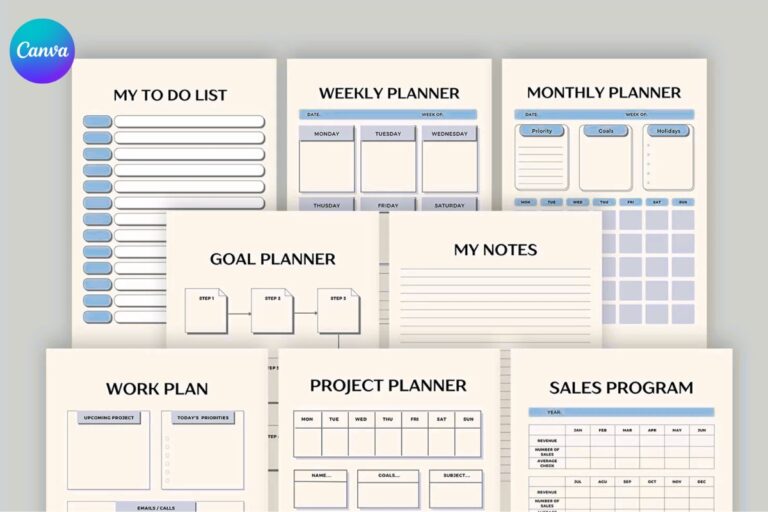
- Planners & printables (daily planners, goal trackers, budget sheets)
- Resume & CV templates
- Lead magnets and opt-in freebies (email newsletter templates)
- Educational worksheets and classroom resources (perfect for TPT)
- Etsy shop visuals (product mockups, Pinterest pins)
People often ask, “What Canva templates sell the most?” — social media templates, planners, and branding kits tend to be consistent top-sellers.
3) How to prepare and package a Canva template for sale
Step-by-step packaging (works for Etsy, Shopify, Gumroad, TPT, eBay, etc.):
- Create the master template in Canva using pages or multiple files for each size/variation.
- Use only allowed assets: either free elements or assets you own/have license to sell.
- Create a buyer-friendly instruction PDF that includes:
- What the buyer will receive (share link + file types)
- How to duplicate the template in their Canva account
- Notes about Canva Pro elements and replacements
- Recommended fonts and where to get them (if not embedded)
- Generate a Canva share link with editing rights (or template link) and paste it into a short text file or PDF.
- Package your delivery — typical downloads include:
instructions.pdf(with the share link and step-by-step screenshots)preview-images.zipor PNG files for product listing imagesdemo.mp4(optional quick walkthrough video)
- Create your mockups and product photos — use attractive visuals that show multiple variations and use cases.
Tip: Offer an instant-download ZIP that contains everything and a one-click link to duplicate the Canva template.
4) Platform-specific guides (how to sell on each platform)
How to sell Canva templates on Etsy — step by step
- Create a compelling title including keywords (e.g., “Editable Canva Instagram Templates | Social Media Pack”).
- Use your exact-match keywords and long-tail phrases in the description: include phrases like how to sell Canva templates on Etsy step by step, can you sell Canva templates on Etsy, and other buyer-focused terms.
- Upload high-quality mockups and preview images.
- Provide the download as a ZIP file containing an
instructions.pdfand the Canva share link. - Add tags and categories relevant to the niche (branding kit, social media templates, resume, planner).
- Use Etsy Ads and Pinterest to drive traffic. Monitor search analytics to tweak titles.
How to sell Canva templates on Shopify
- Use a digital downloads app or a fulfillment app to deliver the Canva link and files.
- Optimize product pages with SEO-rich descriptions and FAQs.
- Upsell bundles and include a subscription/membership for recurring templates.
How to sell Canva templates on Amazon
- For editable Canva templates, Amazon isn’t an ideal native marketplace. Instead, use Amazon KDP for printable planners and journals.
- Convert Canva pages to high-res PDF files and publish as low-content books where allowed by KDP rules.
How to sell Canva templates on Teachers Pay Teachers (TPT)
- Buyers on TPT expect classroom-ready, curriculum-aligned resources.
- Include clear grade levels, learning objectives, and a preview of printable pages.
- Use keywords like can you sell Canva templates on teachers pay teachers and can you sell Canva templates on tpt in your descriptions.
How to sell Canva templates on Gumroad
- Gumroad is perfect for direct sales and mailing-list integration.
- Upload your ZIP and use a compelling short description and demo images.
How to sell Canva templates on Pinterest
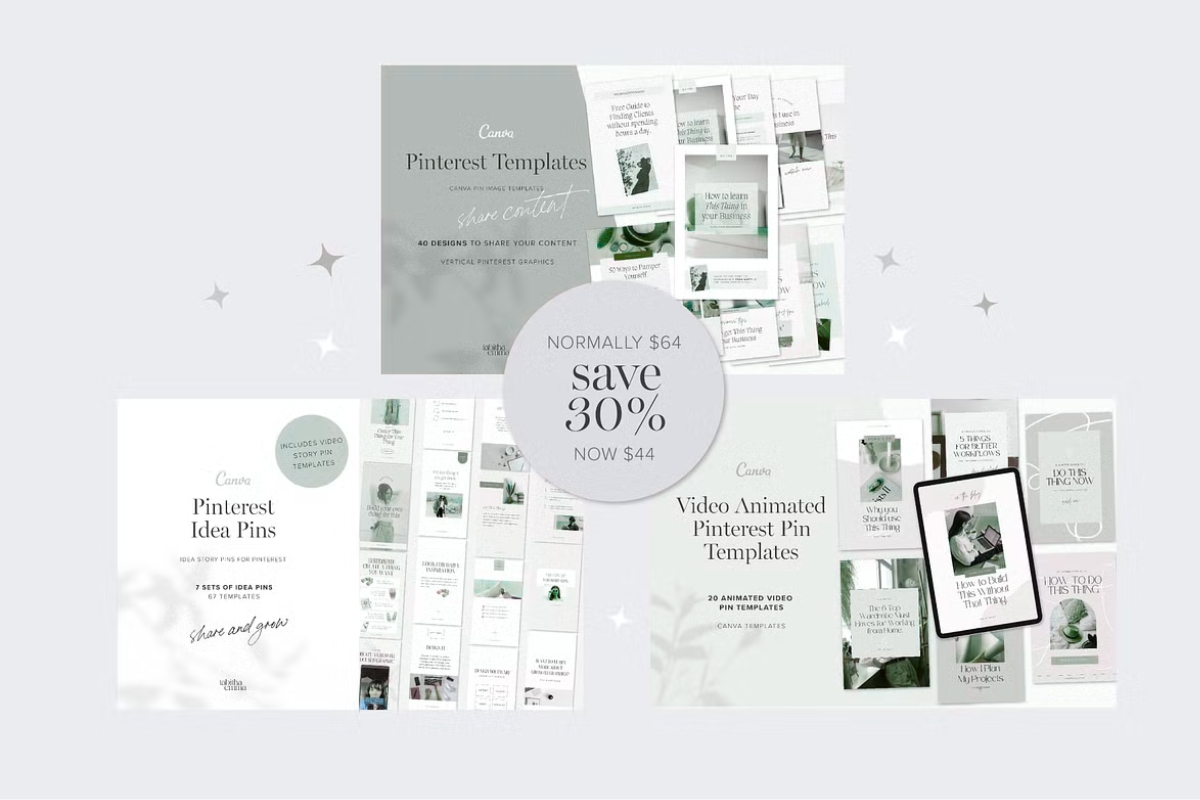
- Use Pinterest as a powerful traffic engine. Create vertical pins that showcase the template in action.
- Link pins directly to your Etsy/Shopify/Gumroad product page. Optimize pin descriptions with search phrases such as how to sell Canva templates on Pinterest.
How to sell Canva templates on Fiverr
- Create a gig offering custom Canva template creation or template customization.
- Include packages: basic (single template), standard (3 templates), premium (brand kit + templates).
How to sell Canva templates on Shopee, Raket PH, eBay, Zazzle
- Check each marketplace’s digital delivery rules. Market to region-specific audiences (e.g., how to sell Canva templates Malaysia).
5) Pricing & monetization strategies
- Single template price: $3–$15 depending on complexity.
- Bundles: $15–$80 (more perceived value and higher AOV).
- Subscription model: Monthly access to new templates.
- Custom jobs on Fiverr/Upwork: Charge premium for brand-specific kits.
Consider tiered pricing: basic (free-account-friendly), pro (includes Pro elements, buyer must have Canva Pro), and enterprise (custom branding).
6) Promotion & SEO tactics
- Use the exact queries people search for as headings and FAQ items to match search intent (for example: Can you sell Canva templates on Etsy?, How to sell Canva templates on Shopify?).
- Create blog posts and video tutorials that show how to use the templates—these content pieces help you rank for long-tail queries like how to sell Canva templates on Etsy reddit or how to sell Canva templates on Shopee.
- Pinterest + Instagram + YouTube = best traffic combo. Make short tutorial Reels and Pins.
SEO tip: Use structured product pages, descriptive filenames for preview images, and alt text that contains target search phrases.
7) FAQs — (Includes all the exact question keywords you provided)
Can you sell Canva templates?
Yes — you can sell templates you design yourself, following Canva’s licensing terms.
Can you sell Canva templates on Etsy?
Yes. Provide a duplicate/copy link and clear instructions.
Can you sell Canva templates with Pro elements?
Yes, but be transparent: buyers need Canva Pro to access certain elements. Alternatively, provide a free-version or replacements.
Can I sell Canva templates with free account?
Yes — but designs will be limited to free elements.
Can you sell Canva templates on Amazon?
You can sell printable products via Amazon KDP; direct editable templates are better sold on marketplaces like Etsy or your own store.
Can I sell Canva templates on Shopify?
Yes — Shopify supports digital downloads and gives full control over branding and pricing.
Can I sell Canva templates on Gumroad?
Yes — Gumroad is well-suited for direct digital sales.
Can I sell Canva templates on Pinterest?
You don’t sell directly on Pinterest; use it to drive traffic to your store or listing.
How sell Canva templates / How to sell Canva templates online?
Design, package, list, and promote. Follow the platform-specific steps above.
How to sell Canva templates on Etsy step by step?
See the dedicated section above with Etsy steps.
How to sell Canva templates on Shopify?
Use a digital downloads app, create strong product pages, and optimize for SEO.
How to sell Canva templates on Fiverr?
Create tiered gigs and offer customization as upsells.
How to sell Canva templates for free?
Start with marketplaces that don’t require initial fees or create lead magnets to exchange for email.
8) Conversion boosters & trust signals
- Add before/after images and short videos showing how quickly a buyer can customize the template.
- Offer a 30-day satisfaction policy or simple refund terms for clarity.
- Include a live demo link or free sample.
- Provide customer testimonials and display sales counts if permitted by the platform.
9) Common problems and how to fix them
- Buyer can’t access Pro elements — Offer a free replacement pack or document which elements require Pro and suggest free alternatives.
- Confusion about duplication — Provide step-by-step screenshots showing how to duplicate a Canva template.
- Copyright claims — Keep records of original assets and avoid using trademarked logos or restricted assets.
10) A short launch checklist (copy this into your product creation process)
- Market research: niche + top sellers
- Design template(s) and export previews
- Create
instructions.pdfwith a Canva share link - Build mockups (desktop + mobile + printable)
- Write SEO title + description + tags (use the exact queries people search)
- Publish and pin to Pinterest + promote on Instagram/Reels
- Collect feedback and iterate